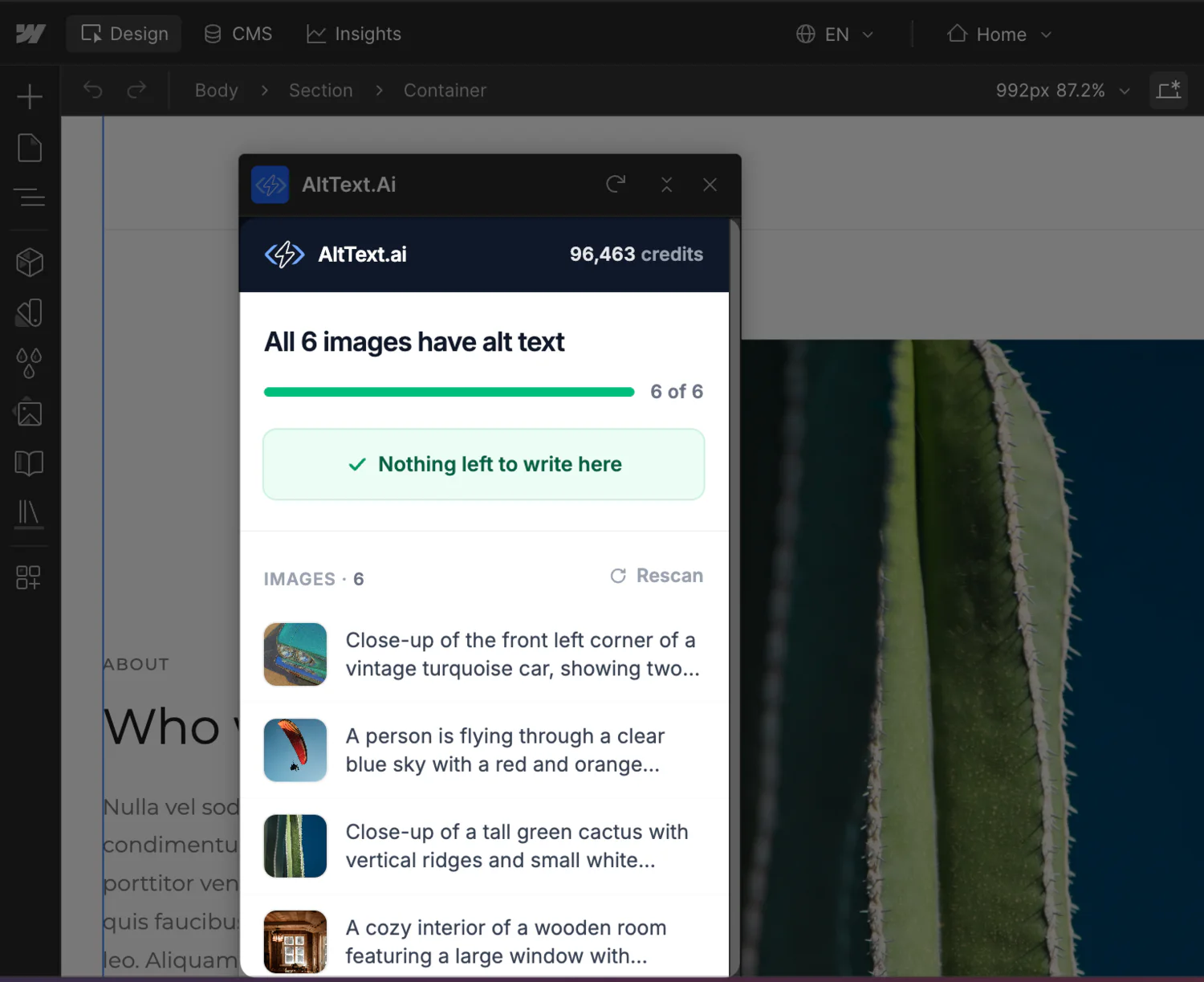
Webflow Makes Publishing Fast. Alt Text Never Keeps Up.
CMS Collections are how Webflow sites scale – a template, a collection, and suddenly hundreds of pages. But Webflow doesn't require alt text on image fields, doesn't generate it, and doesn't show you what's missing. The gap grows with every item published.
Search Engines Can't See Your Images
Google indexes what the alt attribute says, not what the image shows. Empty alt means invisible images, and lost image-search traffic.
Accessibility Isn't Optional
Screen readers depend on alt text, and WCAG requires it. Client sites increasingly get audited; missing alt text is the first thing flagged.
Writing It by Hand Doesn't Scale
A good alt description takes a minute or two per image. Multiply by every item in every collection – it's the task that never gets done.
One Connection, Three Ways In
One connection covers the whole lifecycle of a Webflow site: new content as it's created, the page you're building right now, and everything you already published.
CMS on Autopilot
Create or update a CMS item and its images get alt text within seconds, written straight back to the item. Publish as usual – it ships with your normal flow.
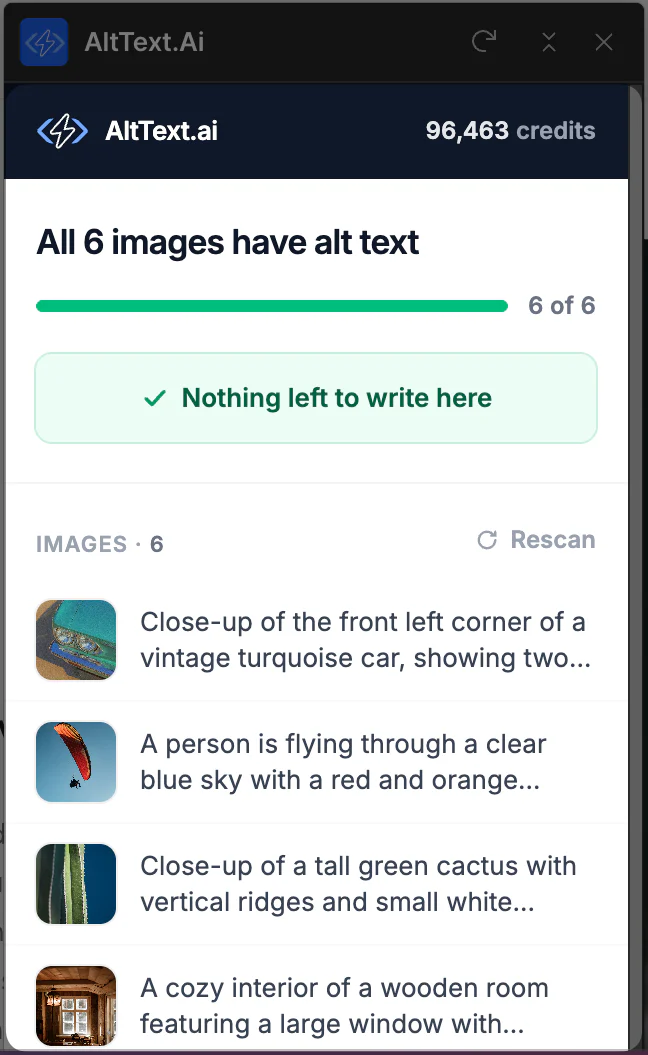
Fix It in the Designer
The panel shows every image on the page you're editing, which ones have alt text, and which don't. Write the missing ones without leaving Webflow.
Import What's Already There
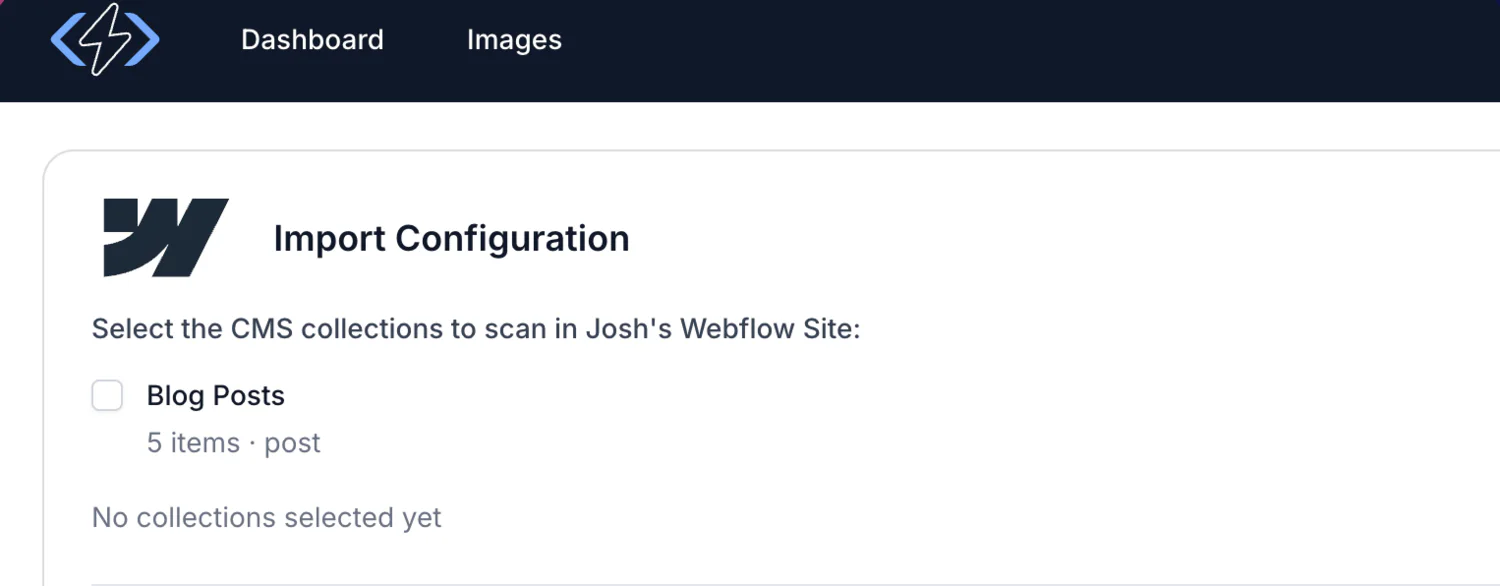
Point the importer at your collections. It counts what's missing before spending a credit, shows you the total, and works through them in the background.
Set Up Once, Covered from Then On
No API keys to paste, no webhooks to configure, no code on your site.
Connect Webflow
From your AltText.ai integration settings, click Connect and authorize the sites you want covered. We register the CMS webhooks for you.
Publish Like Always
Add or update CMS items the way you already do. Images without alt text get it automatically; images that have it are left alone.
Open the Panel When Designing
Launch AltText.ai from the Apps menu in the Designer to see the current page's coverage and write anything missing on the spot.
Bring the Backlog Up to Date
Pick a site, tick the collections you want, and AltText.ai walks them before it spends anything – so you see the real number of images missing alt text up front, and the import stops itself if it would cost more credits than you have.
- Add product data – name, brand, color – so descriptions read like your catalog instead of a generic caption.
- Feed in target keywords or a list of terms to avoid, and they're worked into the alt text where they fit.
- Cancel a running import at any point. Anything already written stays, and re-running skips what's done rather than charging twice.
Simple, Transparent Pricing
Annual plans include rollover credits. Pick the tier that matches your image volume.
Bronze
Perfect for personal blogs and portfolios
$49/year
1,200 credits (4¢ per image)
View Bronze planSilver
Growing websites and small businesses
$189/year
6,000 credits (3¢ per image)
View Silver planGold
E-commerce stores and content teams
$489/year
24,000 credits (2¢ per image)
View Gold planPlatinum
Enterprise publishers and platforms
$2199/year
120,000 credits (<2¢ per image)
View Platinum planNeed more? Contact us for enterprise pricing.
Frequently Asked Questions
FAQ
-
No. The integration works through Webflow's own APIs – we write alt text into your CMS items at the source. Nothing loads on your published site, so performance and Core Web Vitals are untouched.
-
Not unless you ask it to. The automatic CMS flow only fills alt fields that are empty, so anything you wrote by hand stays exactly as it is, and no credit gets spent on an image that's already covered. Bulk import adds an "Overwrite existing" option, off by default, for when you actually do want to replace older descriptions.
-
Alt text is written to your staged CMS content within seconds of an item being created or updated. It goes live the next time you publish, as part of your normal publish flow; we never publish your site for you.
-
The CMS integration handles collection items on its own. The Designer Extension is for the page in front of you: it scans the open page, shows you what's covered and what isn't, and writes the missing descriptions in place.
-
You pick the site and the collections. We walk them first and count every image missing alt text before generating anything. The total is shown up front, the import refuses to start if it would cost more credits than you have, and images that already have alt text are skipped.
-
Single image fields across your collections are covered. Multi-image gallery fields are skipped for now – Webflow's API gives no way to write alt text back to one element of a gallery, and merging it onto the array replaced the gallery itself. We'd rather skip those than damage your content.
-
Generation stops immediately and the Designer Extension's key is revoked. Every piece of alt text already written to your CMS stays exactly where it is – it's your content, not ours.
Nothing found.
If you can't find what you're looking for, please contact our customer support team.
Every Image on Your Webflow Site, Described
Connect your site and let the CMS take care of itself. Start free with 25 images – no credit card required.